Checkout conversion rate: formula, Shopify report and benchmarks
The checkout conversion rate formula, where Shopify reports it, what a good rate is in 2026, why it drops, and how to raise it without losing revenue.

Rishi Babu
The checkout conversion rate formula
Checkout conversion rate = sessions that completed checkout ÷ sessions that reached checkout × 100
If 1,800 sessions reached checkout last month and 846 of them paid, your checkout conversion rate is 47%. The other 53% is your checkout abandonment rate.
The trouble is that "checkout conversion rate" gets used for three different numbers, and they give very different answers on the same store.
| What people call it | Formula | What it tells you |
|---|---|---|
| Checkout conversion rate (Shopify's definition) | Sessions that completed checkout ÷ sessions that reached checkout | How well checkout itself closes |
| Cart-to-order rate | Sessions that completed checkout ÷ sessions with cart additions | Cart and checkout together |
| Store conversion rate | Sessions that completed checkout ÷ all sessions | The whole store, traffic quality included |
So when a founder says their "checkout conversion" is 2.1%, that's almost certainly their store conversion rate. When someone else says 45%, that's checkout alone. Same name, different denominators, and neither is better than the other. Before you compare with anyone, check which one they mean.
Shopify also has a stricter cousin, Completed checkout rate. It only counts sessions that added to cart and then reached checkout, so a shopper who lands on checkout straight from a Buy it now button or an abandoned-checkout email link isn't in it. Use Checkout conversion rate for the headline, and Completed checkout rate if you want to see the cart-then-checkout path alone.
How to find your checkout conversion rate in Shopify
The quickest way:
- From your Shopify admin, go to Analytics > Reports.
- Open Conversion rate breakdown (filter the list by the Behavior category if you can't see it).
- Set the date range to the last 30 or 90 days, and filter to human sessions so bots don't pad the top of the funnel.
- Write down Sessions that reached checkout and Sessions that completed checkout.
- Divide the second by the first.
Don't use the percentages printed on the funnel. Each step there is divided by total sessions, so the "Completed checkout" step is your store conversion rate, not your checkout rate.
If you're comfortable with Shopify's query editor in reports, or you ask Sidekick to run it, this pulls both rates by device in one go:
FROM sessions
  SHOW sessions_that_reached_checkout, sessions_that_completed_checkout,
    checkout_conversion_rate, completed_checkout_rate
  WHERE human_or_bot_session = 'human'
  GROUP BY session_device_type WITH TOTALS
  DURING last_month
Three Shopify details change how you read it:
- "Reached checkout" means the shopper did something. Shopify counts a session as reaching checkout when there was user input, like a key press or a click, during checkout. Someone who loads the page and bounces isn't counted. Tools that log a checkout start as soon as the page opens count those people, so their checkout rate on the same store usually comes out lower.
- Sessions aren't orders. One session can contain two purchases, so sessions that completed checkout won't always match your order count.
- Session counting changed in September 2026. Shopify's session measurement update rolled out from 21 to 23 September 2026 and can move session-based metrics while orders stay flat. Don't compare across that date without a note.
If the drop is earlier, between cart and checkout, that's a different number. Shopping cart optimization covers the cart-to-checkout rate, and the cart abandonment rate formula shows how to report all three drops side by side.
What is a good checkout conversion rate?
A good checkout conversion rate is one that beats your own recent months, measured the same way. For a rough outside reference, Littledata's November 2026 benchmark of 449 Shopify stores found:
| Group | Checkout completion rate |
|---|---|
| Bottom 20% | 25% |
| Median | 47% |
| Top 20% | 64% |
| Top 10% | 73% |
By industry, the medians were 62% for health and supplements, 51% for beauty and skincare, 50% for home and furniture, 47% for food and beverage, and 46% for fashion and apparel.
Read those with the method in mind. The figures come from GA4 data across 90 days (10 August to 7 November 2026), counting sessions that started checkout, for stores with at least 1,000 sessions and 90 purchases. That's a GA4 definition of "started checkout", which is looser than Shopify's "reached checkout". Your Shopify number will likely sit above a GA4 number for the same weeks.
The device split shows how much the definition matters. The same study had a 63% median on mobile and 32% on desktop. Most people expect it the other way around, and the study doesn't say why. It's a reminder that a benchmark's definitions decide its numbers. Compare a GA4 number with this benchmark, and a Shopify number with your own Shopify history.
Why checkout conversion rate drops
Most checkout drops start before checkout. The shopper decided something on the product page or in the cart, then found out at checkout they were wrong about it. Here's what that looks like in real stores, and where to look.
| What you notice | Likely cause | Where to check |
|---|---|---|
| Rate fell the week you changed shipping | A new rate or app added a $14 express option and a higher standard rate, and the product page still says "fast shipping" | Settings > Shipping and delivery, then the product page and cart copy |
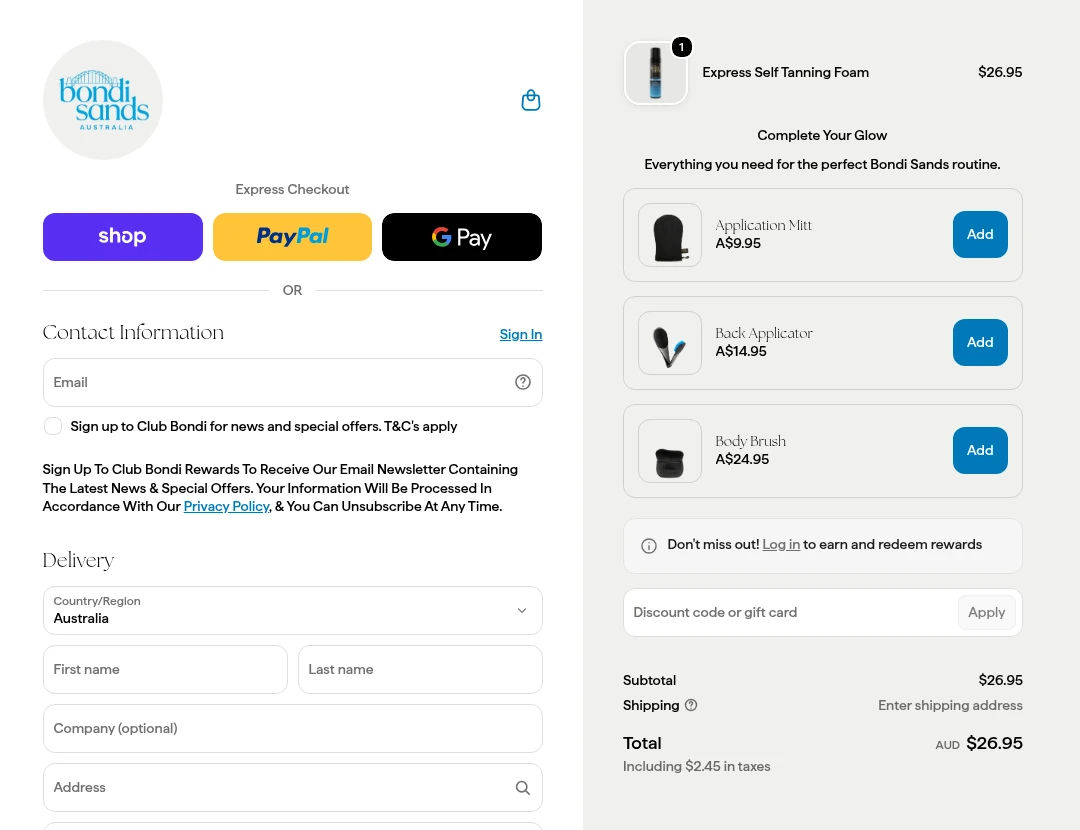
| Mobile fell, desktop didn't | Apple Pay, Shop Pay or Afterpay missing or broken on one device or browser | Test checkout on your own phone in Safari and Chrome |
| Lots of reached-checkout sessions from email | Abandoned checkout emails bring back people who were never close to buying | Split the rate by referrer before reading the total |
| Drop the week a promo email went out | Shoppers without the code see the discount box and leave to search for one | Your discount set-up, and whether your codes are on coupon sites |
| International orders stall | Duties and taxes appear late, or the currency changes at checkout | Settings > Markets, then a test checkout from a non-home market |
| Steady drop on high-value carts | Card declines or extra card verification on big orders | Your payment provider's decline report |
Picture a Gold Coast swimwear brand two weeks out from summer. They switch shipping apps because the 3PL put prices up, the new app defaults to a $15 express rate, and checkout conversion slides from 52% to 43% in a week. Nothing in checkout itself changed. The product page still says "free shipping over $100", and that's the line shoppers believed.
On most plans you can't change much inside checkout anyway. Checkout UI extensions on the information, shipping and payment steps are Shopify Plus only. Everyone else controls checkout through settings (payment methods, shipping rates, accounts, the checkout editor's branding) and through what the shopper was told before they got there.
How to raise it without losing revenue
Fix the plainly broken things first, without a test. A wallet that doesn't load on iPhone or a shipping rate that's wrong for Western Australia is a bug, not a hypothesis. The Shopify checkout optimization guide walks through the checkout settings worth checking.
Then test what comes before checkout. The changes that move checkout conversion usually live on the product page and in the cart:
- Put the shipping cost where the decision happens. A line under the price, like "Free shipping over $100, otherwise $9.95", stops the surprise at step two.
- Show the payment options early. If you offer Afterpay, Klarna or Shop Pay Installments, say so under the price instead of at the last step.
- Answer the discount question. If you have a standing offer, show it in the cart so nobody leaves to hunt for a code.
- Match delivery promises to reality. If the product page says 2 days and checkout says 5 to 8 business days, people leave.
If the shipping line or payment badges only make sense for one product range, give that range its own layout. Our guide to creating a product page template in Shopify shows how, on any plan.
Judge each one on revenue per visitor, and keep checkout conversion rate as a supporting number. They can move in opposite directions. A free shipping offer can send checkout conversion up while order values fall far enough that you earn less per visitor. Raising the free shipping threshold can do the reverse: a few more people drop out at checkout, the rest add a second item, and revenue per visitor goes up.
If you test inside checkout with Shopify's own Rollouts, a checkout configuration Experiment reports one metric, checkout conversion rate. Experiments need the Grow plan or higher. That's useful for a checkout change. It still won't tell you what people spent, so pull orders for the test window too.
How to test a checkout fix
Pick the one change that matches your biggest drop, and run it like this:
DIY testing apps like Intelligems and Shoplift make tests like this possible for a lot more stores. The hours are still yours: finding the drop, writing the hypothesis, designing and building the variant, QA on phones, and reading the result. Retainer agencies take that work on and bill the same each month whether a test makes money or not.
Cascayd is built for the other way round. Our team does the research, strategy and creative design, and AI speeds up the build and the grunt work. Each test comes to you in Slack with the reasoning, and you approve it before it runs. We only charge when you make money. It suits stores with roughly 40,000 or more product page visitors a month, where tests finish in weeks. See how the Shopify CRO service works.
Your next step
Open Conversion rate breakdown today, filter to human sessions, and divide sessions that completed checkout by sessions that reached checkout for the last 90 days. Then split it by device. If one device sits more than ten points below the other, do a test checkout on that device tonight before you change anything else. If you'd rather have the leak found, tested and judged for you, book a call and tell us about your store.